Models
What You Need to Run Inkling 2 Mini on Mac and Windows
Run Inkling 2 Mini through Ollama on a 32GB+ Mac or through the Windows Llama App and llama.cpp. Check model download, context memory and available RAM first.
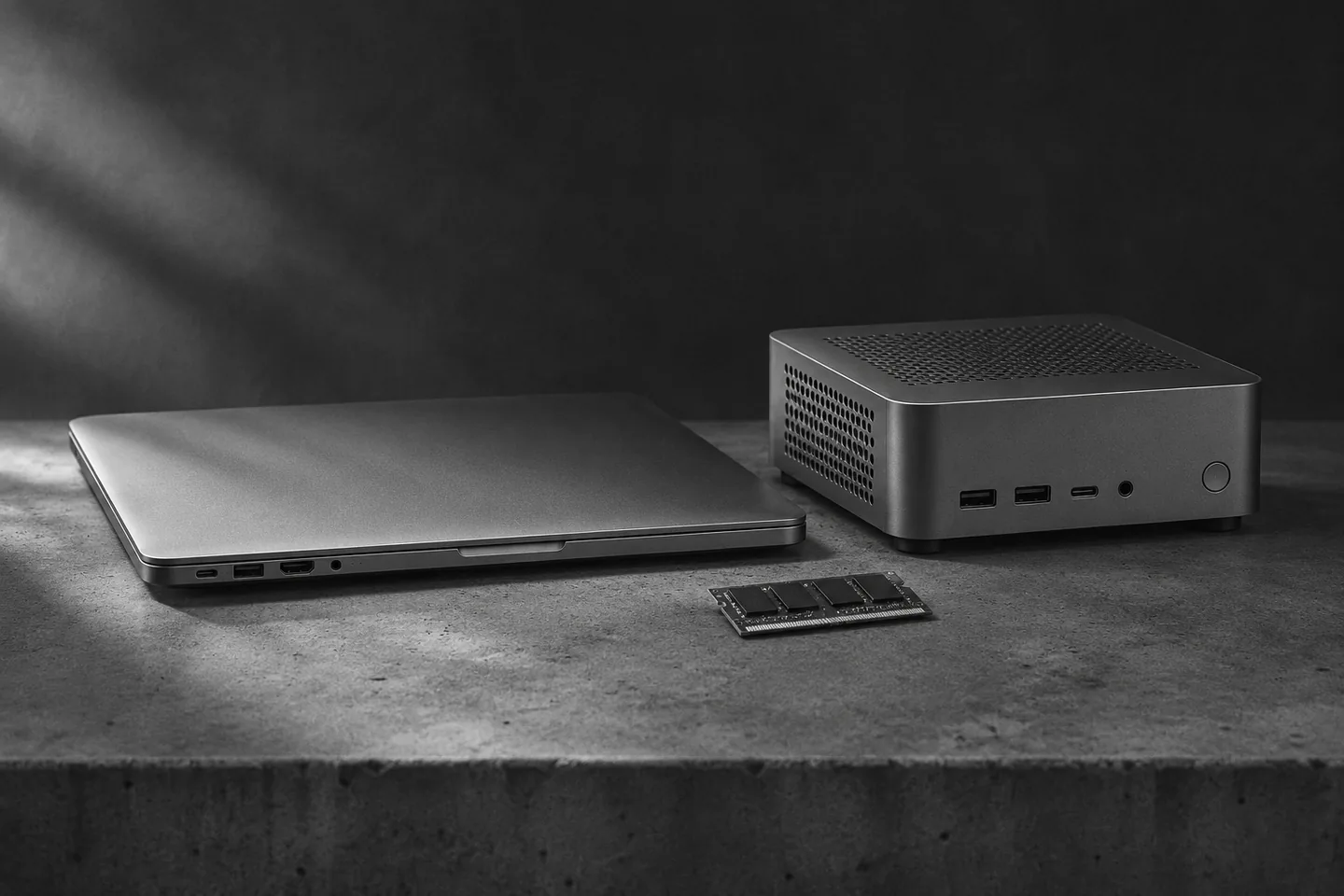
Image: AI-generated editorial illustration.
Thinking Machines released Inkling 2 Mini on November 20. On an Apple silicon Mac, Ollama provides a Metal GPU path, and the model publisher lists Mac systems with at least 32GB RAM for its Ollama route. Windows users can use the Llama App or a llama.cpp build that includes the model's merged support. The IQ4_NL file is 17.6GB, so disk space is only the first fit check; file size is not a promise that the model will fit in that much memory while running. (Thinking Machines, Ollama hardware support, Ollama model page, ggml-org GGUF files)
The model has 26.4 billion total parameters. Thinking Machines distinguishes 3.4 billion active parameters from 5.4 billion weight activations per token, the latter accounting for its looping design: the middle layers run three times for each token. The Ollama library instead describes 5.4 billion parameters as active, so the labels do not line up. For practical setup, use the download and hardware figures rather than treating the active-parameter number as a memory estimate. (Thinking Machines, Ollama model page)
On a Mac, the vendor-listed quick path is Ollama: install the app, then run ollama run inkling-2-mini. Ollama's library lists a roughly 20GB package and says the Mac route needs at least 32GB of memory. On Windows, Hugging Face's release guide lists the Llama App for Windows and says the 4-bit IQ4_NL and 8-bit Q8_0 GGUF files are available. The ggml-org model card documents a Windows winget route to llama.cpp; its b12600 pre-release, published November 20, includes Inkling support and Windows builds. Check that your installed version includes this support before pulling the model: older binaries may not recognize the looped architecture. (Ollama model page, Hugging Face setup guide, GGUF setup instructions, llama.cpp b12600 release)
The advertised one-million-token context is a maximum capability, not a sensible first setting for every computer. Ollama defines context as the tokens held in memory and cautions that increasing it increases memory use; the runtime also needs room for the model, its key/value cache and the operating system. Start with a shorter context and a short, known task. Check that the answer is complete and follows the prompt, then increase context only if the work requires it. On Ollama, use ollama ps after a request to inspect placement; our local LLM setup guide covers the hardware fit, and Ollama's processor column explains what that status can and cannot tell you. The supplied sources do not establish a universal minimum Windows RAM figure or guarantee performance on your hardware. (Ollama context guide, Ollama model page)
Sources
- Introducing Inkling 2 MiniRetrieved
- Inkling 2 Mini on OllamaRetrieved
- Welcome Inkling 2 Mini, Cutting-edge Performance for your Local SetupRetrieved
- Inkling 2 Mini support in llama.cppRetrieved
- Inkling 2 Mini GGUF filesRetrieved
- llama.cpp release b12600Retrieved
- Ollama context lengthRetrieved
- Ollama hardware supportRetrieved
Related articles
Gemini 4 Neon brings a million-token context window
Google lists Gemini 4 Neon at $3 per million input tokens and $15 per million output. Access varies by product and plan; the model card gives a March 2026 cutoff.

Microsoft Ignite adds six models with different access paths
Five MAI models and Decision 1.1 arrived at Ignite with availability ranging from GitHub general release to private and security previews.
SageMaker's in-place model updates need extra GPU capacity once
SageMaker AI can reuse endpoint instances during a rolling model update. Learn how the initial capacity batch works and what to track during rollout.