Explainers
Your AI read the invoice. Should it move to approval?
A schema-valid invoice can name the wrong supplier. Follow the checks that decide whether it belongs in the approval queue.
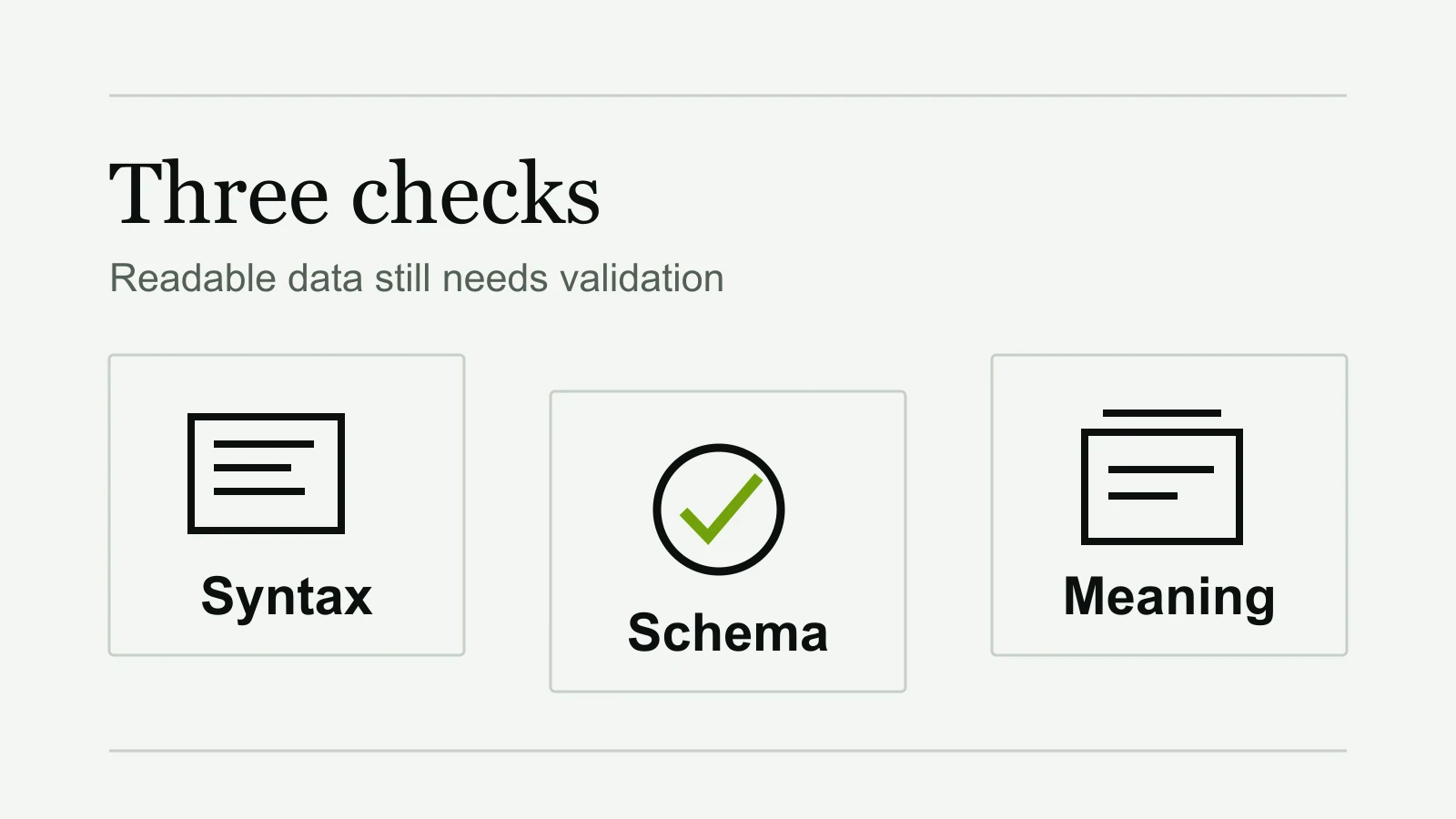
Image: Original NurevoFlow editorial diagram.
Suppose an invoice from Baker Supply lists two line items at 50 and 100. An AI extracts both values, correctly gives the total as 150, and assigns the invoice to Parker Supply. Checking the arithmetic would miss the error. So would parsing the JSON.
That failure is easy to miss in a demo because the response looks exactly as expected. In strict mode, OpenAI’s Structured Outputs constrains completed, non-refusal output to a supported schema. JSON mode targets valid JSON without requiring the same shape. A validator can reject a string in a field that requires a number. Give it two plausible supplier IDs and it still needs evidence to tell you which one appears on the invoice.
Follow the invoice through three decisions
Did the response finish? In the Responses API, check the response status and look for a refusal in the output before parsing the extraction. The response reference lists the possible incomplete reasons, including a token limit and content filtering. An output limit might justify a retry with different settings. A refusal needs its own handling. Keep both out of the completed-record queue.
Can you reconcile the fields? Compare the extraction with the document and trusted records. The purchase order and invoice name Baker Supply, while the extraction names Parker Supply. Send the invoice to a reviewer with both names and the purchase-order reference visible. The reviewer should be able to see why it was held without asking the model to explain its answer.
Can the workflow take the next step? Say you’ve reconciled the supplier and total against the invoice and order records. The app may still need to check that the purchase order is open or that the person approving the invoice has authority. The same distinction applies to function calling. A tool request can contain all the required arguments, and your application can still decline to run it.
Test whether your app catches the plausible mistakes
Start with four sample invoices and record the outcome you expect for each.
- Complete invoice and matching open order → ready for approval.
- Missing amount → ask for the amount or send it to a reviewer.
- Valid total assigned to the wrong supplier → hold for reconciliation.
- All fields match, but the purchase order is closed → hold under the workflow rules.
The missing amount needs a representation that the app can handle. A schema can specify the types and values you accept, including an explicit missing-value state if your chosen schema supports it. The workflow then needs a defined place for that record to go. Keep the reason for each hold alongside the invoice so the person reviewing it knows what to check.
Sources
- Structured model outputsRetrieved
- Function callingRetrieved
- Get a model responseRetrieved
- Understanding JSON SchemaRetrieved